Mapping the current process
We understand the workflow as it really happens, with the people who run it — not as the manual says.
We map how work happens today, identify where time is lost and automate what is repetitive — making use, whenever possible, of the tools your company already has.
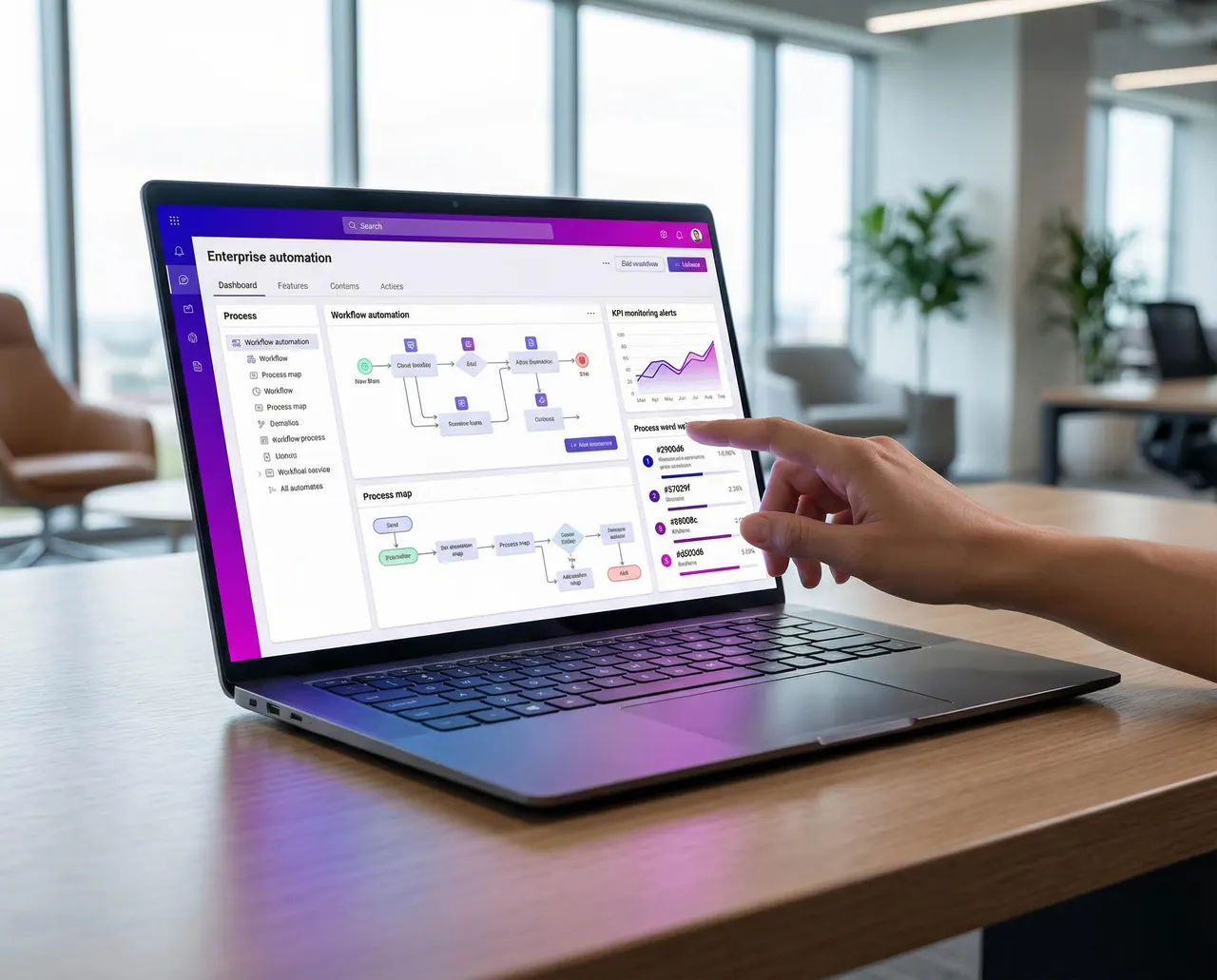
We understand the workflow as it really happens, with the people who run it — not as the manual says.
We locate the steps that concentrate waiting, errors and repetitive activities.
We simplify before automating: unnecessary steps leave the process.
Administrative and commercial routines run without depending on manual tasks.
We connect systems and databases so information flows without retyping.
We define how results will be measured before we start, and track them afterwards.
An example of a typical transformation: the flow gets shorter, each step has a visible owner and data is entered only once.
Before
Five steps, four of them manual. Tracking depends on asking someone.
After
Data is entered once, moves through the flow and is available for consultation at any time.
Indicators we track, depending on the problem: execution time, rework, errors, volume processed, cost per operation and response time.
In most cases, no. Before recommending any replacement, we assess integrations, automations and improvements to your existing tools. We only suggest replacing something when it truly pays off.
With a conversation about how your routine works today. From there, we map the process and prioritize what brings the most return for the least implementation effort.
That is a common starting point. Organizing the workflow comes before automating it — automating a confusing process only makes the confusion faster.
We define the indicators at the start, according to the problem: execution time, rework, errors or cost per operation. They show what changed.
Tell us how the process works. We will point out what can be eliminated, integrated or automated.